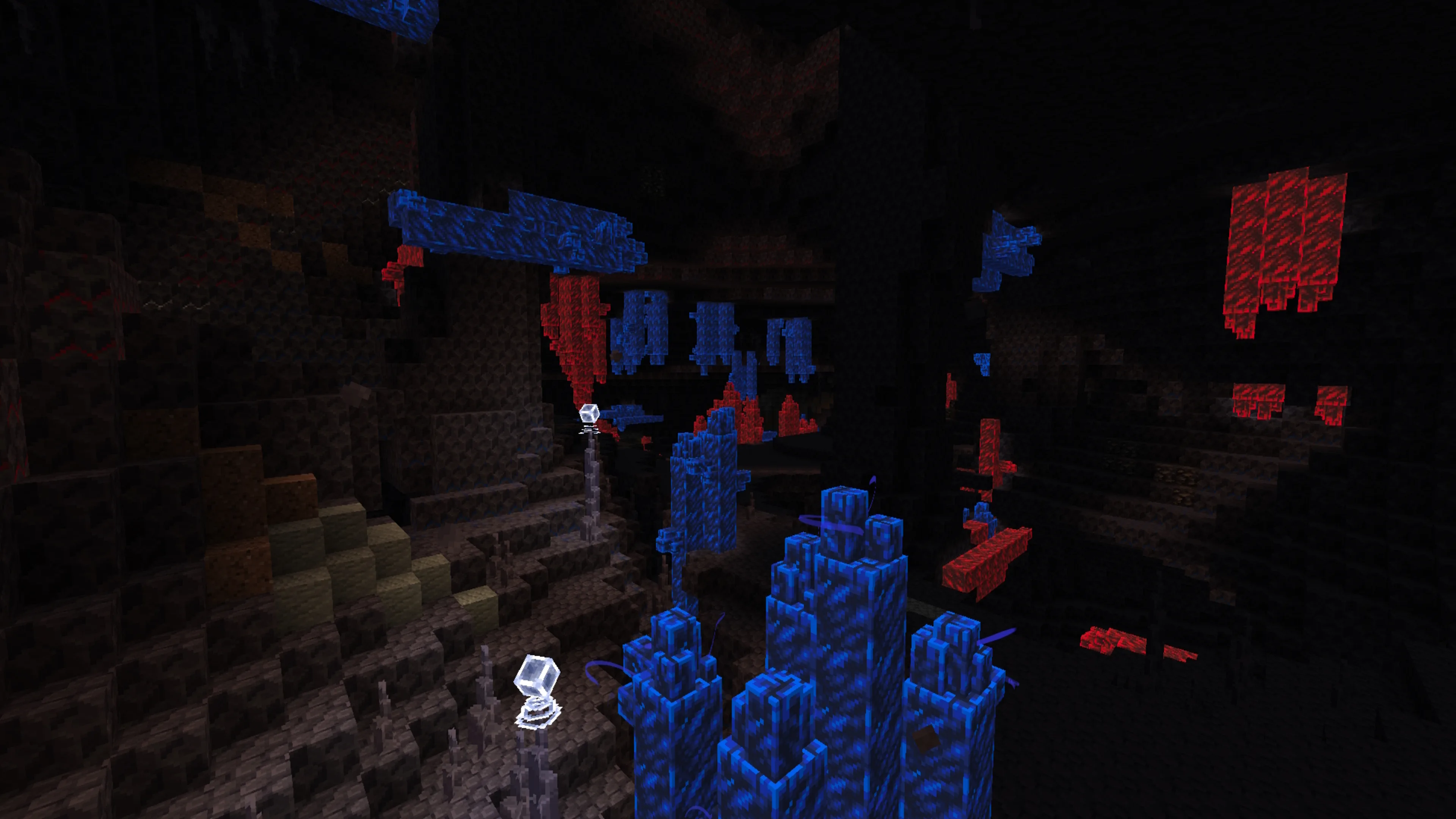
A large cave-content mod can combine world generation, mobs, particles and biome-specific visual effects. Performance troubleshooting is easier when you change one setting at a time and keep the base installation stable.
Test without shaders first
The original project description notes that shaders can alter fog, brightness and the intended look of cave biomes. Test the mod without shaders first, then add a shader only after the baseline is stable.
Use a sensible render distance
Higher render distance increases terrain generation and rendering load. If exploration stutters while generating new chunks, reduce render distance temporarily and compare performance before changing mods.
Avoid unnecessary memory extremes
Java needs enough memory for a modded instance, but allocating far more than necessary can also produce long garbage-collection pauses. Use a moderate allocation appropriate for the full modpack rather than treating memory as the only performance setting.
Separate graphics issues from world-generation issues
Frame-rate drops while standing still point more toward rendering. Long pauses while moving into new terrain can indicate generation or storage pressure. Knowing which behavior you see helps you choose the next test.
Build the pack gradually
Run Alex’s Caves and its required dependency first, then add other large world-generation or rendering mods in small groups. That makes conflicts much easier to identify than debugging a fully assembled pack.
Next step
Return to the main compatibility section before downloading so you can compare edition, Minecraft version, loader and file type in one place.